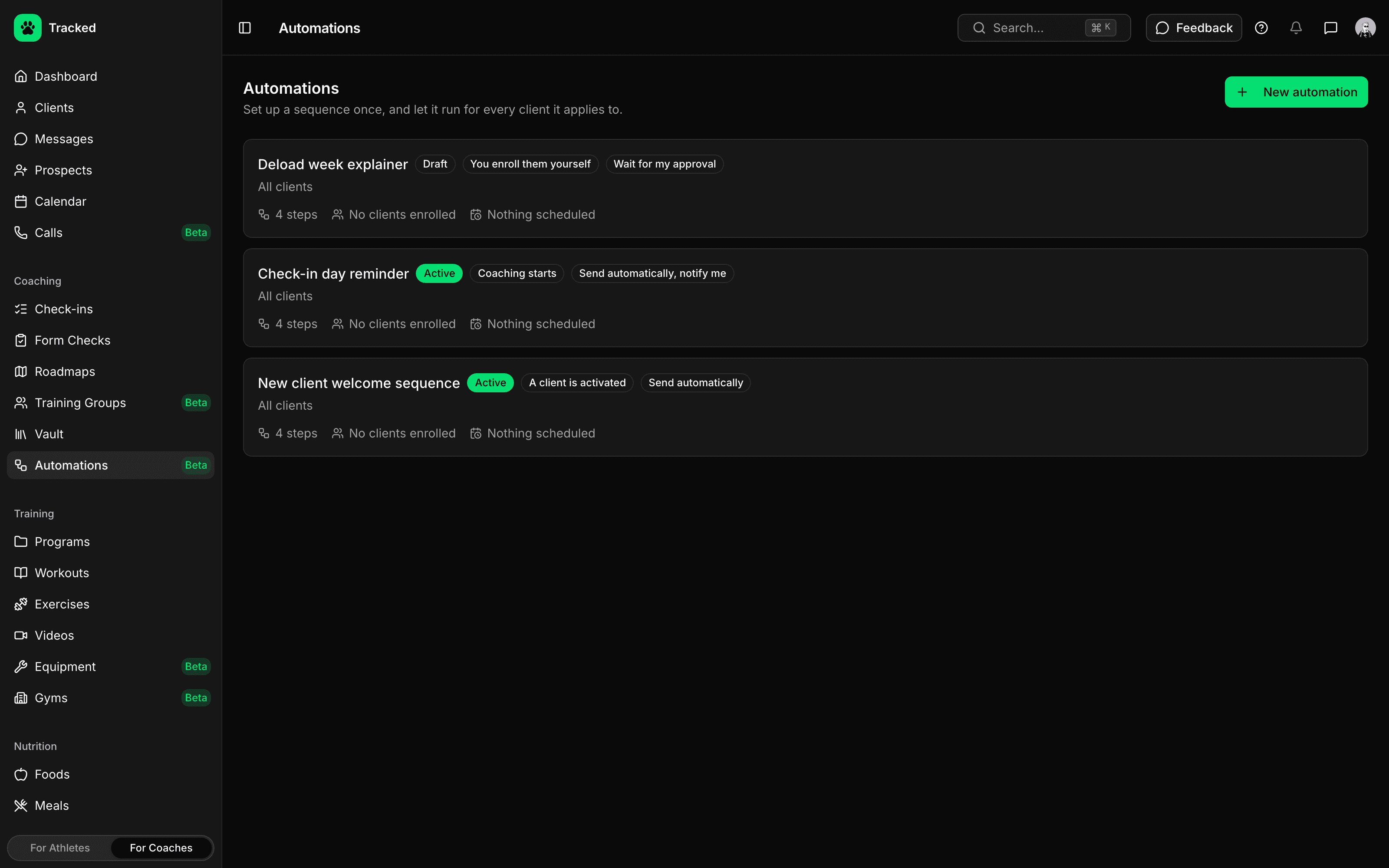
Start on the Moments That Matter
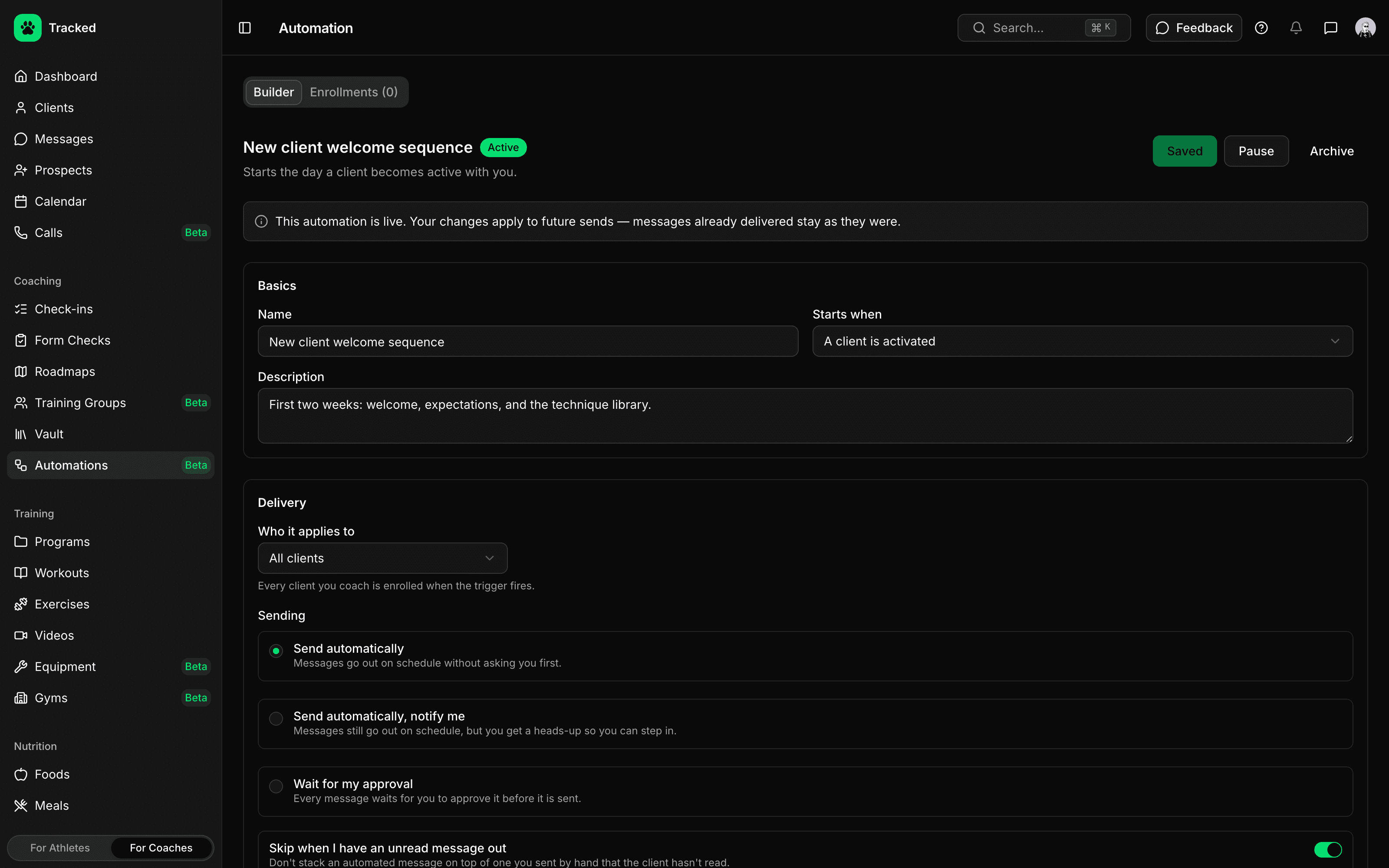
Choose what kicks off a sequence and who it applies to. Matching clients are enrolled the moment the trigger fires — or only when you add them yourself.
- Start when a client is activated, coaching begins, their first payment goes through or onboarding is completed
- Health-signal triggers for sleep debt, steps under goal or a recovery signal that stays off for days in a row
- Apply to all clients, clients with certain tags, or only clients you add
- Pause an automation any time, or archive it to take every client off
Build Sequences Step by Step
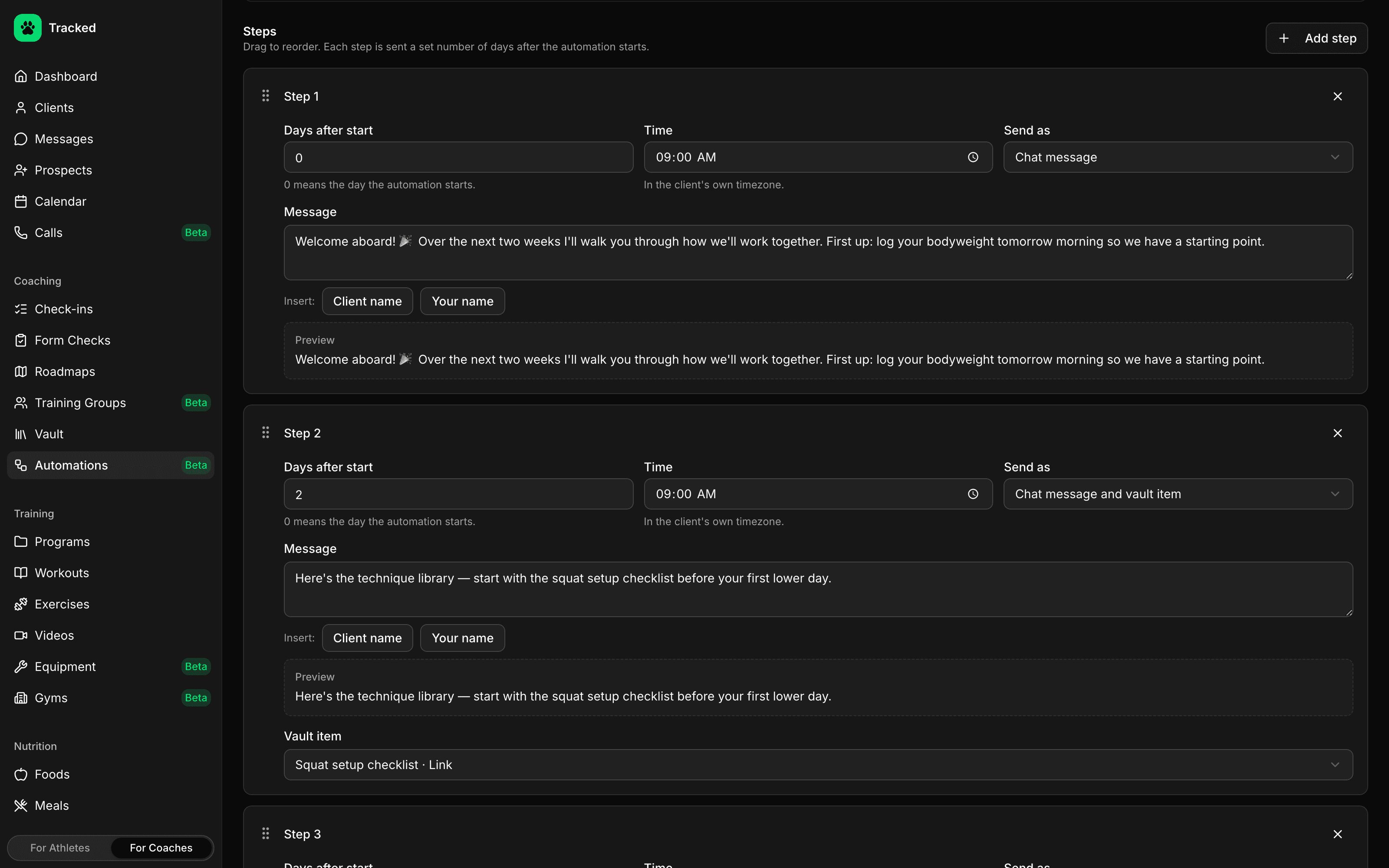
Each step goes out a set number of days after the sequence starts, at the time you pick in the client's own timezone.
- Send a chat message, a vault item, or both together
- Personalize messages with the client's name and yours
- Drag to reorder steps and preview each message as you write it
- Messages land in your regular chat thread, sent as you
Stay in Control
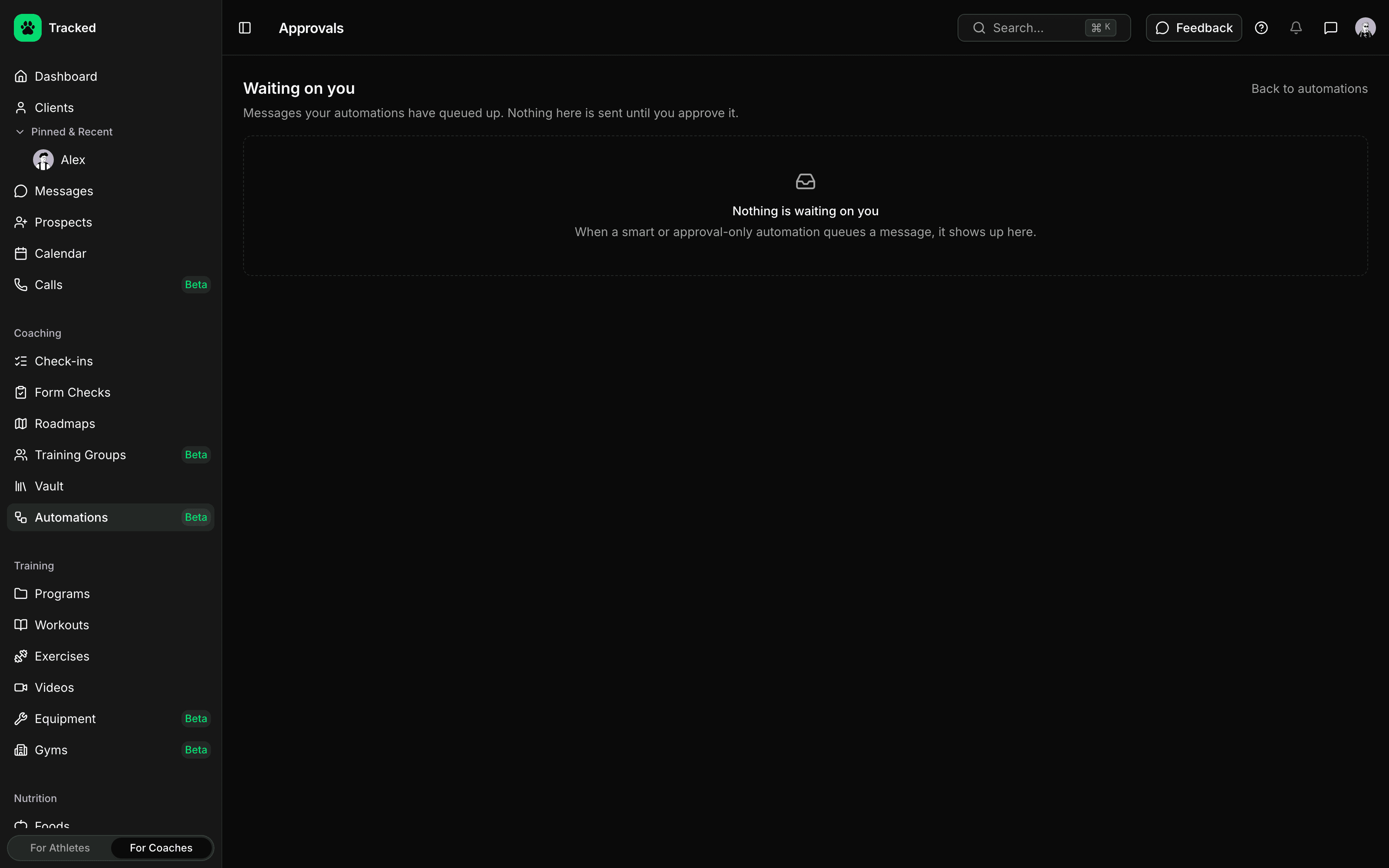
Let a sequence send on its own, or hold every message until you approve it. Approve, edit or skip queued messages from one inbox.
- Approve, edit or skip each message — or approve a batch at once
- Unapproved messages expire after 7 days instead of arriving late
- Optionally hold a step while a message you sent by hand is still unread
- Clients leave a sequence automatically when coaching ends
Write It Once, Send It to Everyone
Write your welcome messages and follow-ups once. Every client who matches gets the same thoughtful sequence at the right moment — no copying and pasting, no forgotten check-ins.