Program Builder
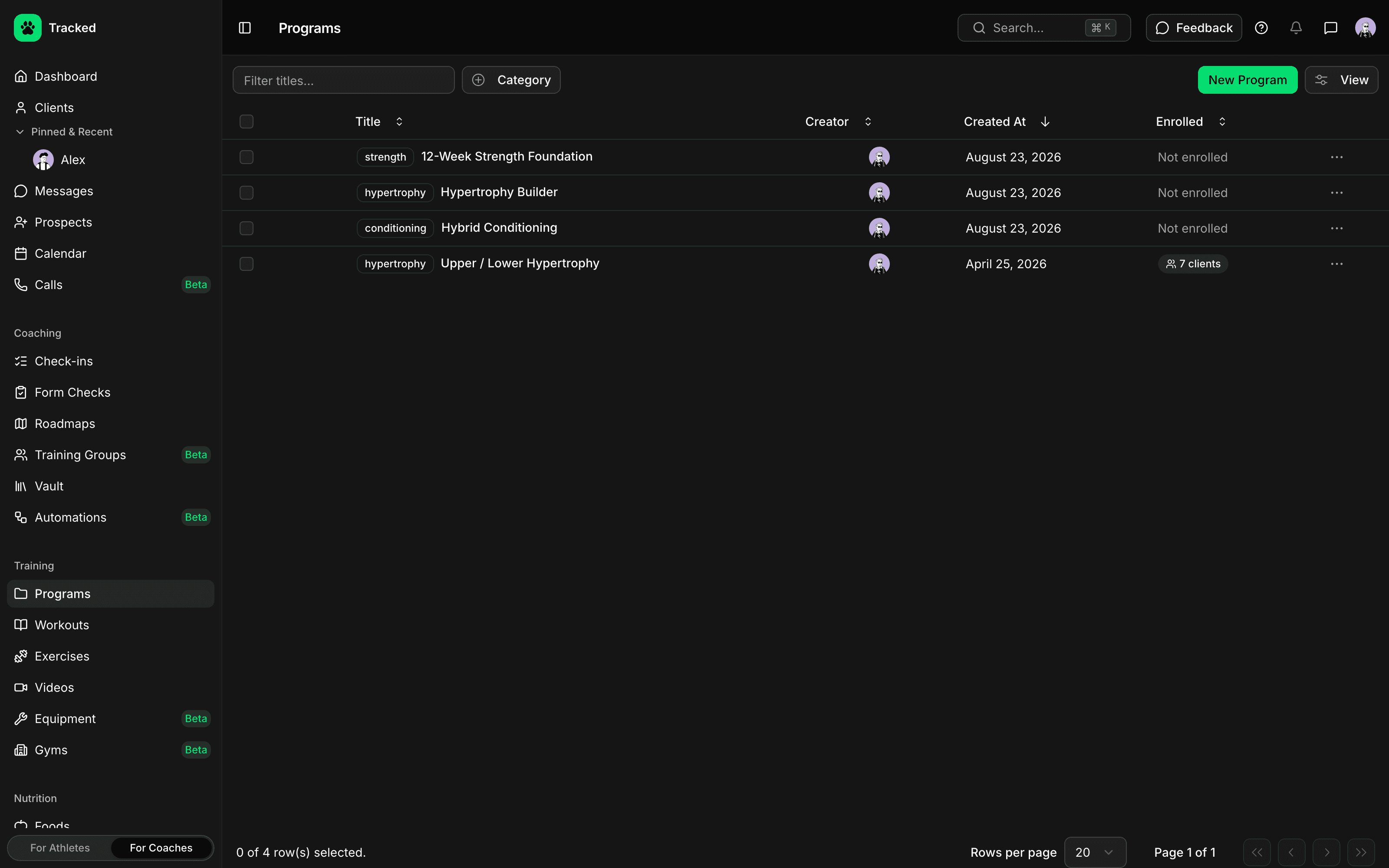
Design training programs on a visual board instead of a spreadsheet. Structure mesocycles and weeks, drag workouts into place, and assign the finished program to your clients.
Structure a Program Visually
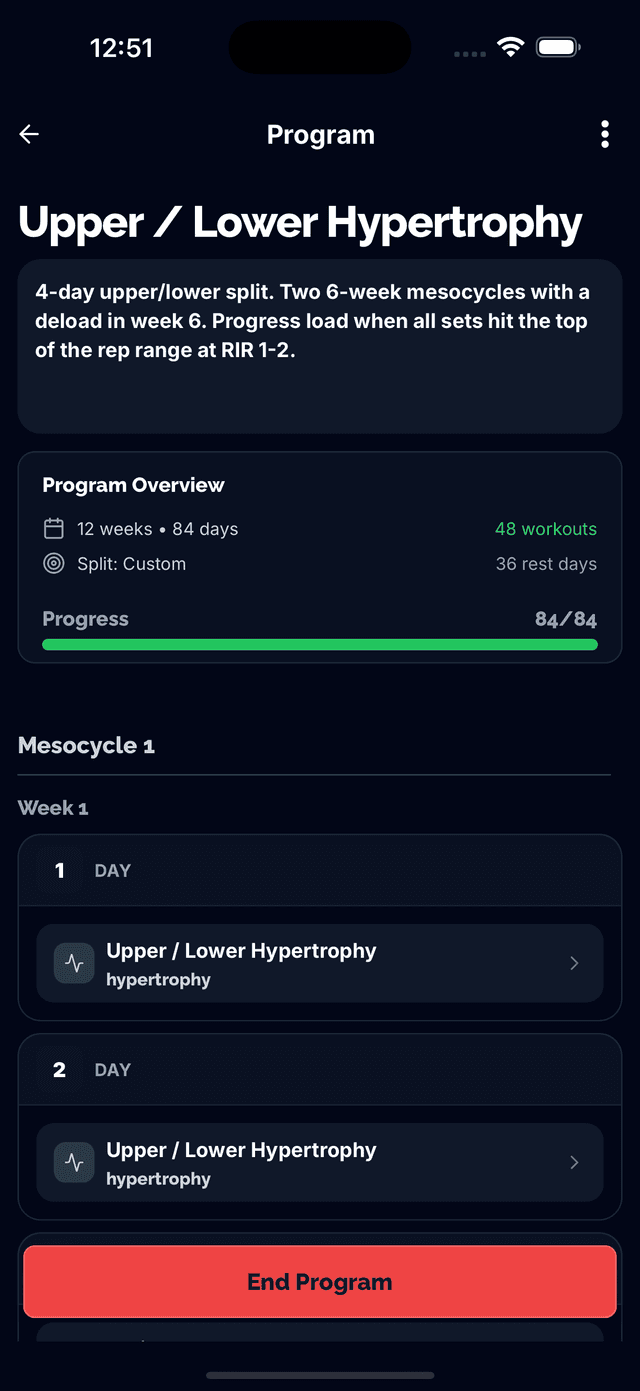
See your whole program laid out by mesocycle and week, and rearrange it by dragging instead of retyping.
- Mesocycle and microcycle structure, expandable week by week
- Drag-and-drop workouts between days
- Day-by-day view for detailed exercise programming
- Switch between program views depending on how you like to work
Copy, Paste, Repeat
Once a week is dialed in, reuse it instead of rebuilding it — a clipboard built for programming, not just text.
- Copy an entire day or week and paste it elsewhere in the program
- Duplicate a training block across multiple weeks fast
- Clipboard banner keeps track of what's ready to paste
- Built for progressive-overload programming, not one-off workouts
Version and Share Programs
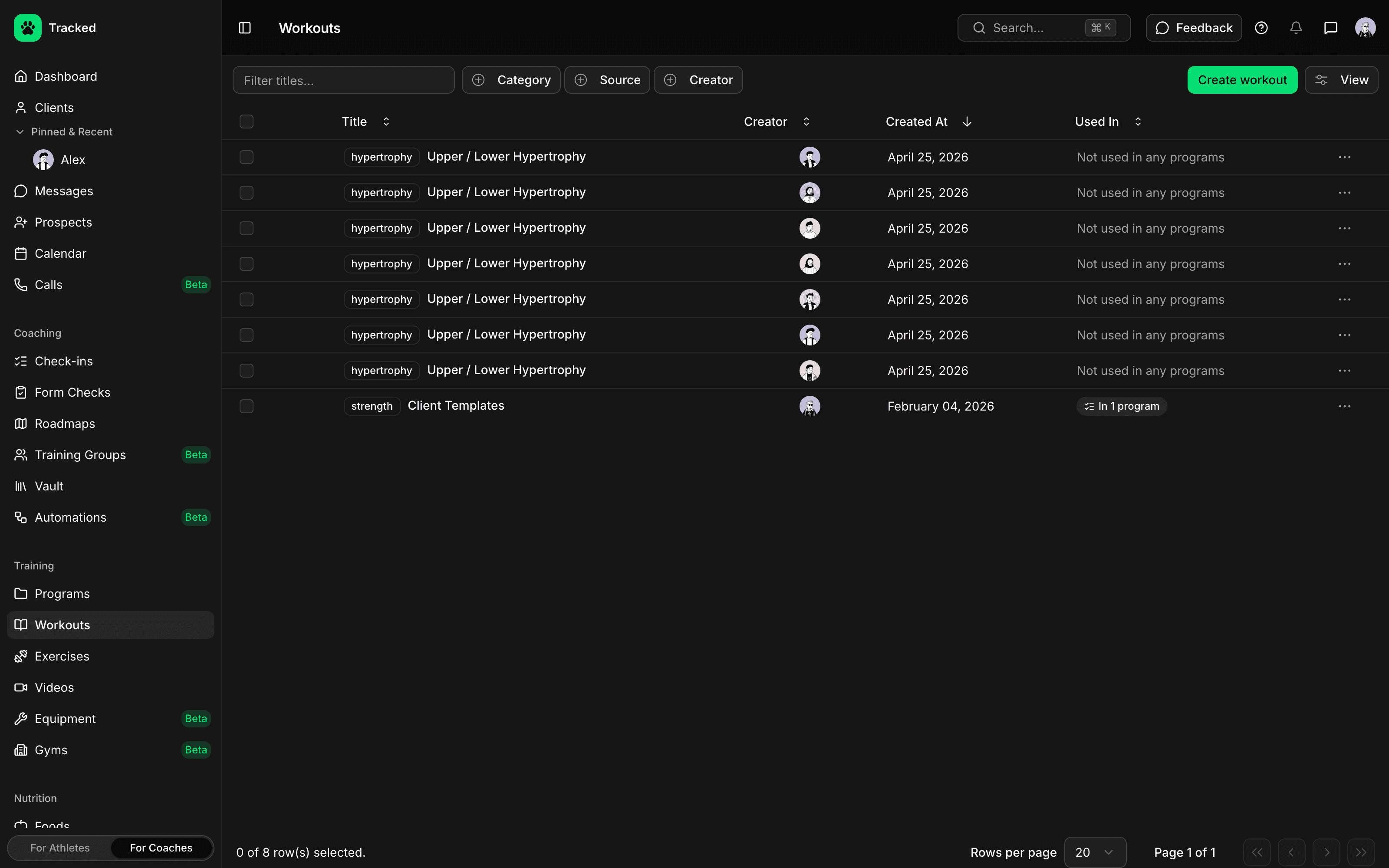
Programs evolve. Track changes over time and share a program with a client without exporting a PDF.
- Program versioning so you can see how a plan changed over time
- Share a program directly with a client from the dashboard
- Assign the same program to multiple clients
- Autosave keeps your work safe as you build
Assign It, Then Track It
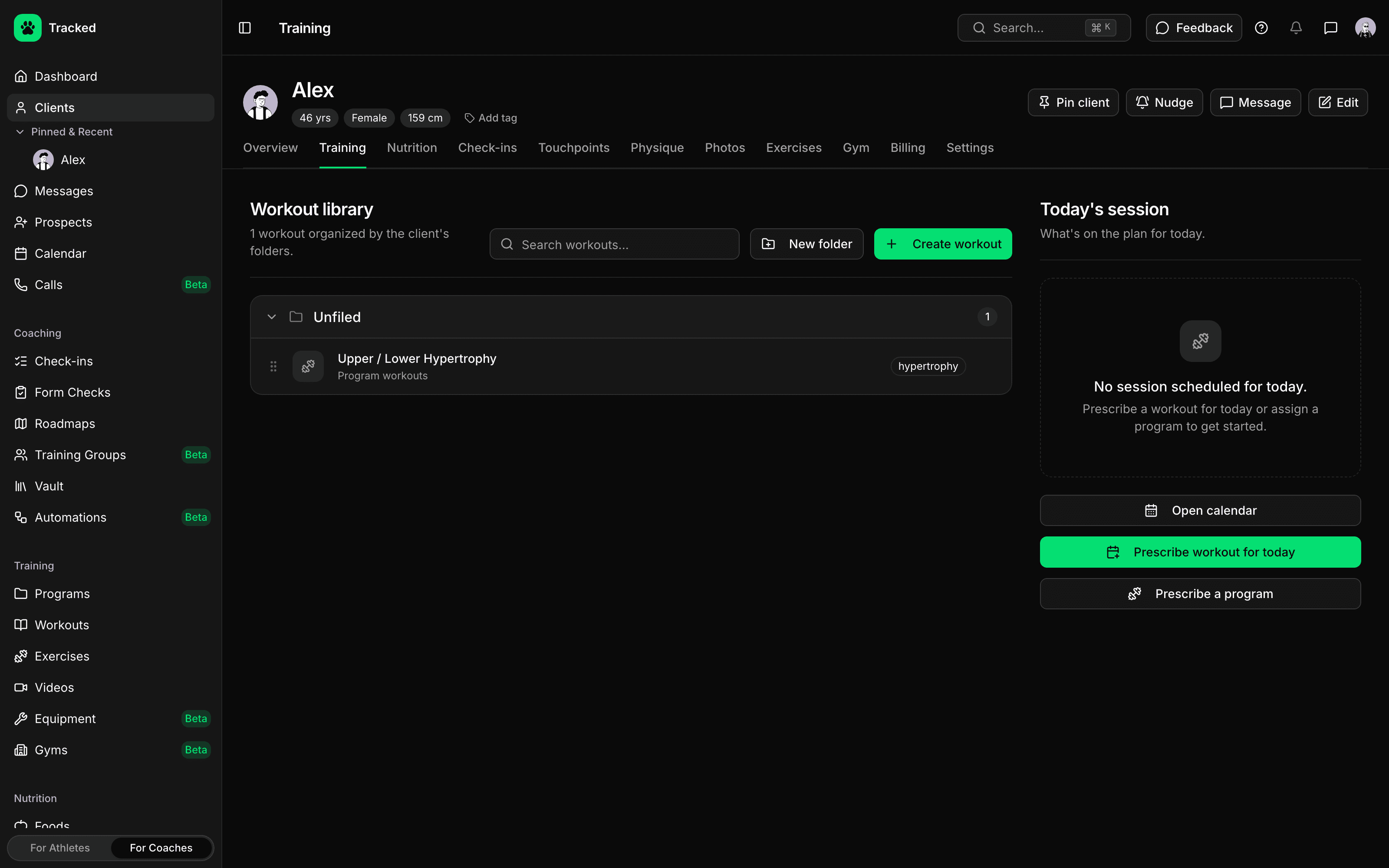
A program isn't done when it's built — Tracked connects it to the client's calendar and their actual training data.
- Assigned programs populate a client's calendar automatically
- Program workouts are visually distinct on client calendars
- Adherence tracked against the assigned program, not a guess
- Same program engine that powers the athlete app's programs feature
Programming, Not Spreadsheets
Build once, reuse forever. The program board is built for coaches who program in blocks, not one workout at a time.
Ready to build your first program?
Start coaching with Tracked and design programs your clients will actually follow.