One Library for Everything You Share
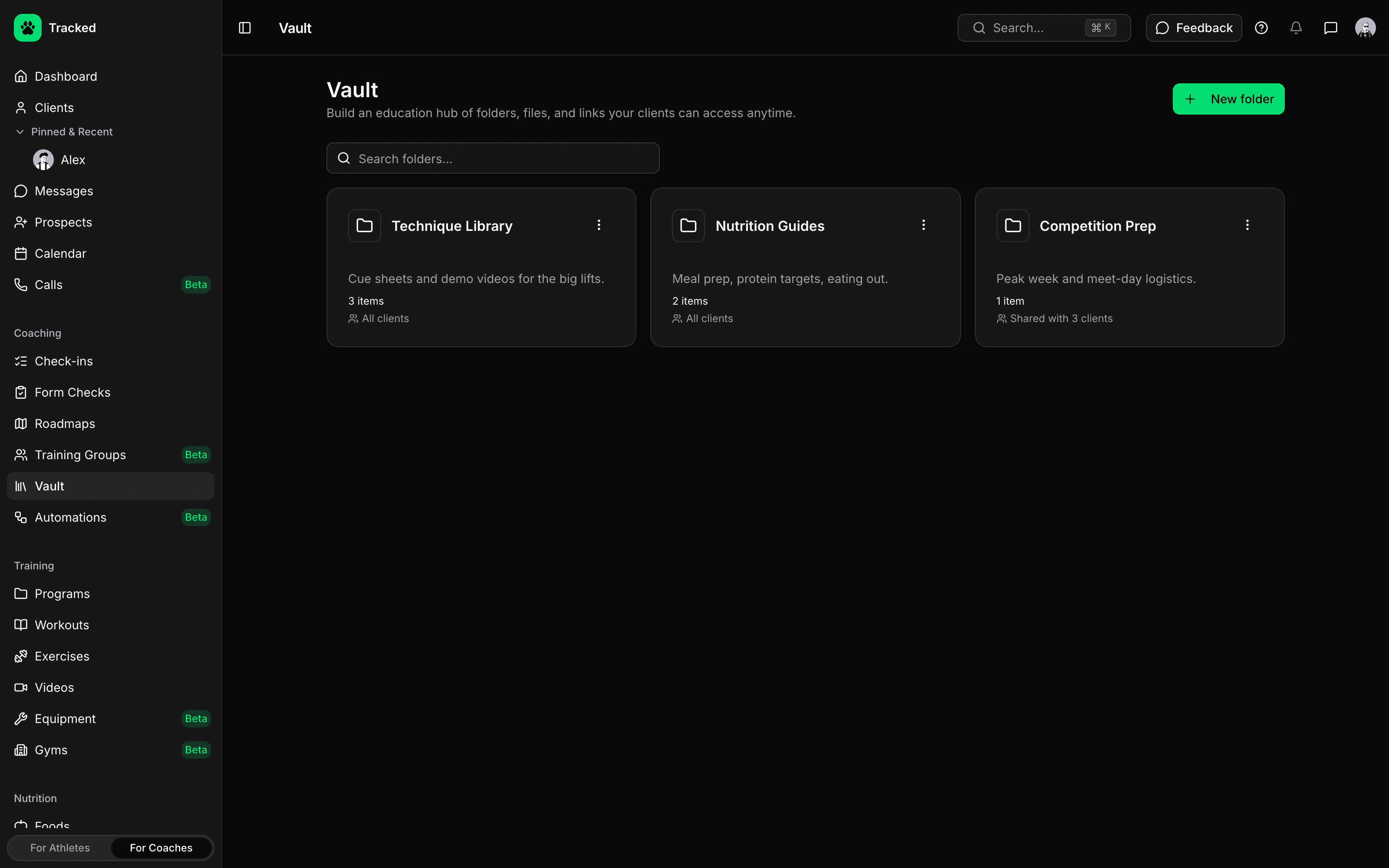
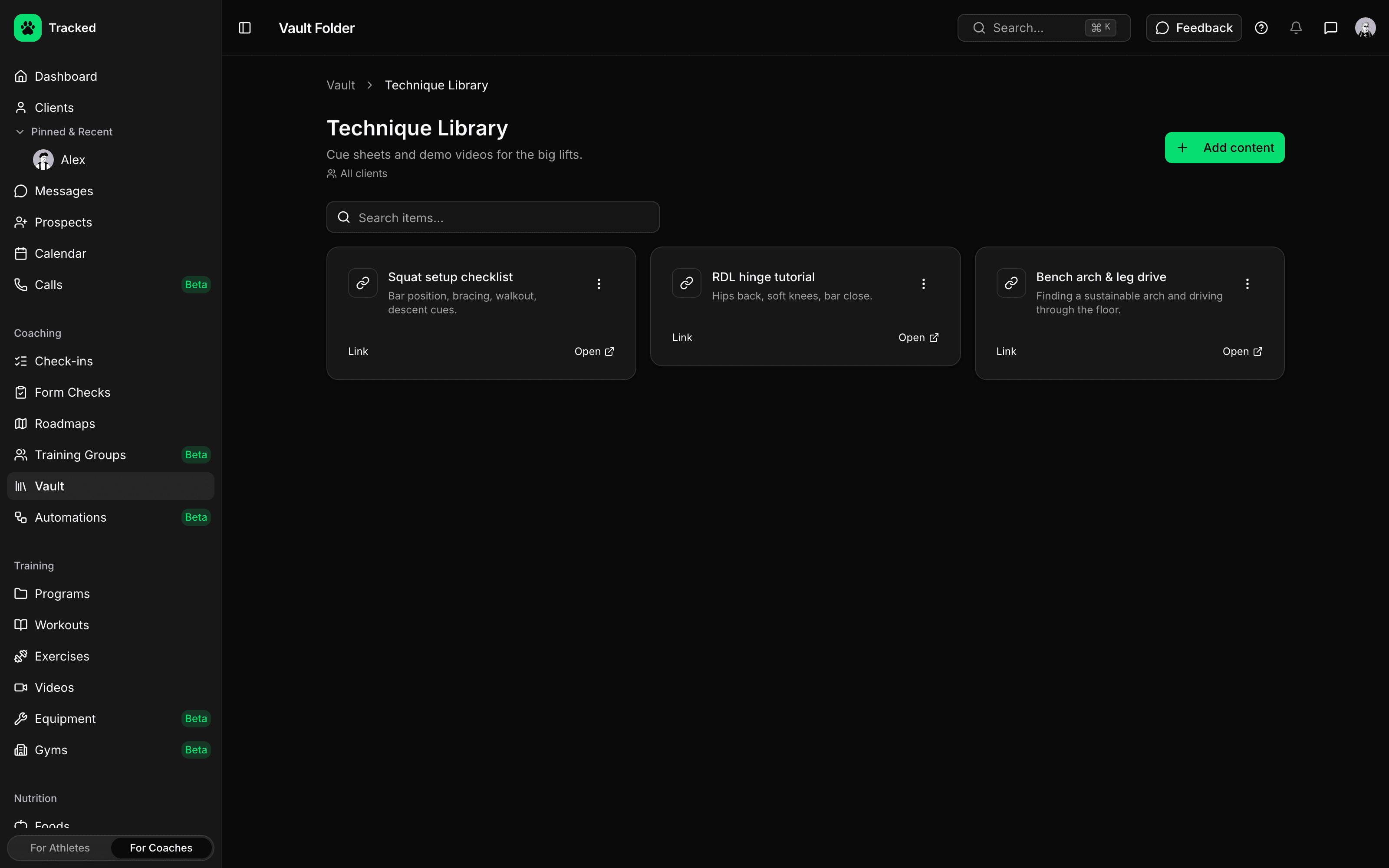
Stop digging through old messages for that bracing video. Folders keep technique demos, meal-prep guides and competition logistics in one place.
- Upload videos, PDFs, images and audio, or save links
- Group items into folders with a description and a cover
- Drag to reorder folders and the items inside them
- Search your folders and everything in them
Share With Everyone, or Just the Right Clients
Decide who sees each folder. Open it to your whole roster or pick specific clients, and share a single file when one client needs something extra.
- Share a folder with all clients or a chosen few
- Share an individual file with specific clients, even if the folder isn't shared with them
- Manage what a client can see from the Vault tab on their profile
- Archive a folder or file to remove access
Clients Find It in the App
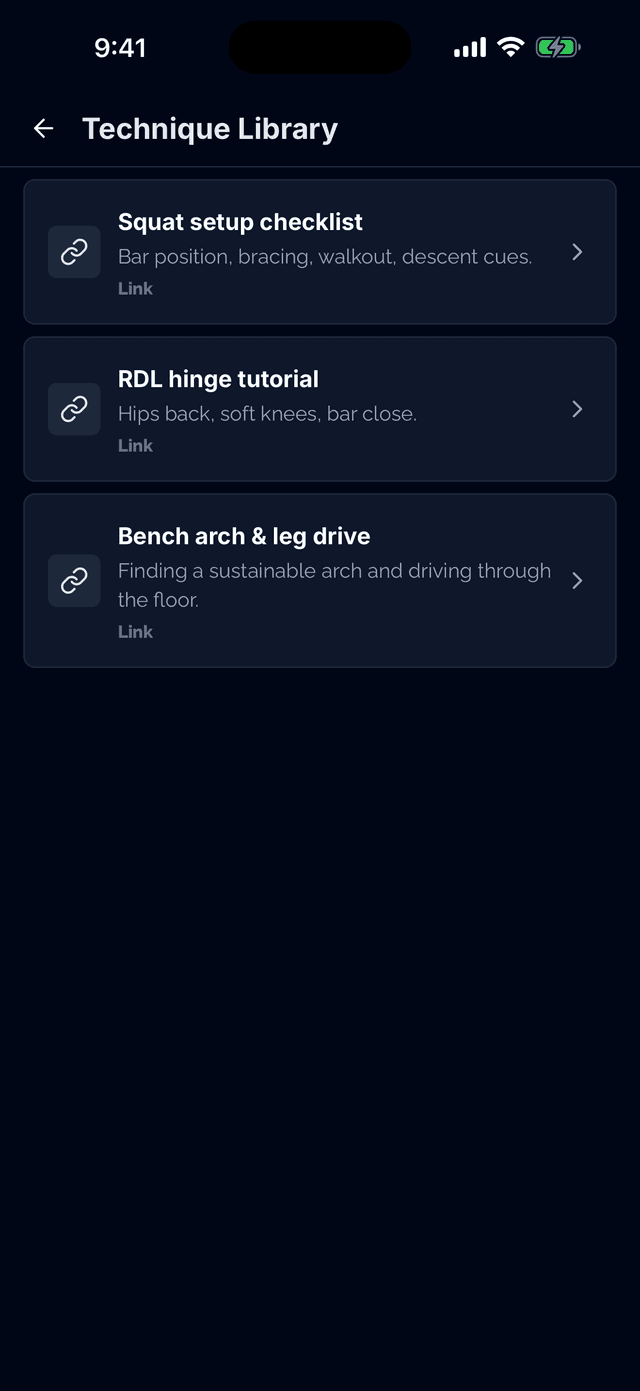
Clients open your vault from the menu in the Tracked app and get notified whenever you share something new.
- Your folders and files, right in the client's Tracked app
- Videos, audio, PDFs, images and links open on their phone
- Push and in-app notifications when you share a folder or file
- Clients can save or forward a file from their phone's share sheet
Explain It Once
Stop re-sending the same squat cues and meal-prep guides. Put them in the vault, share the folder, and every client with access can find them on their own.