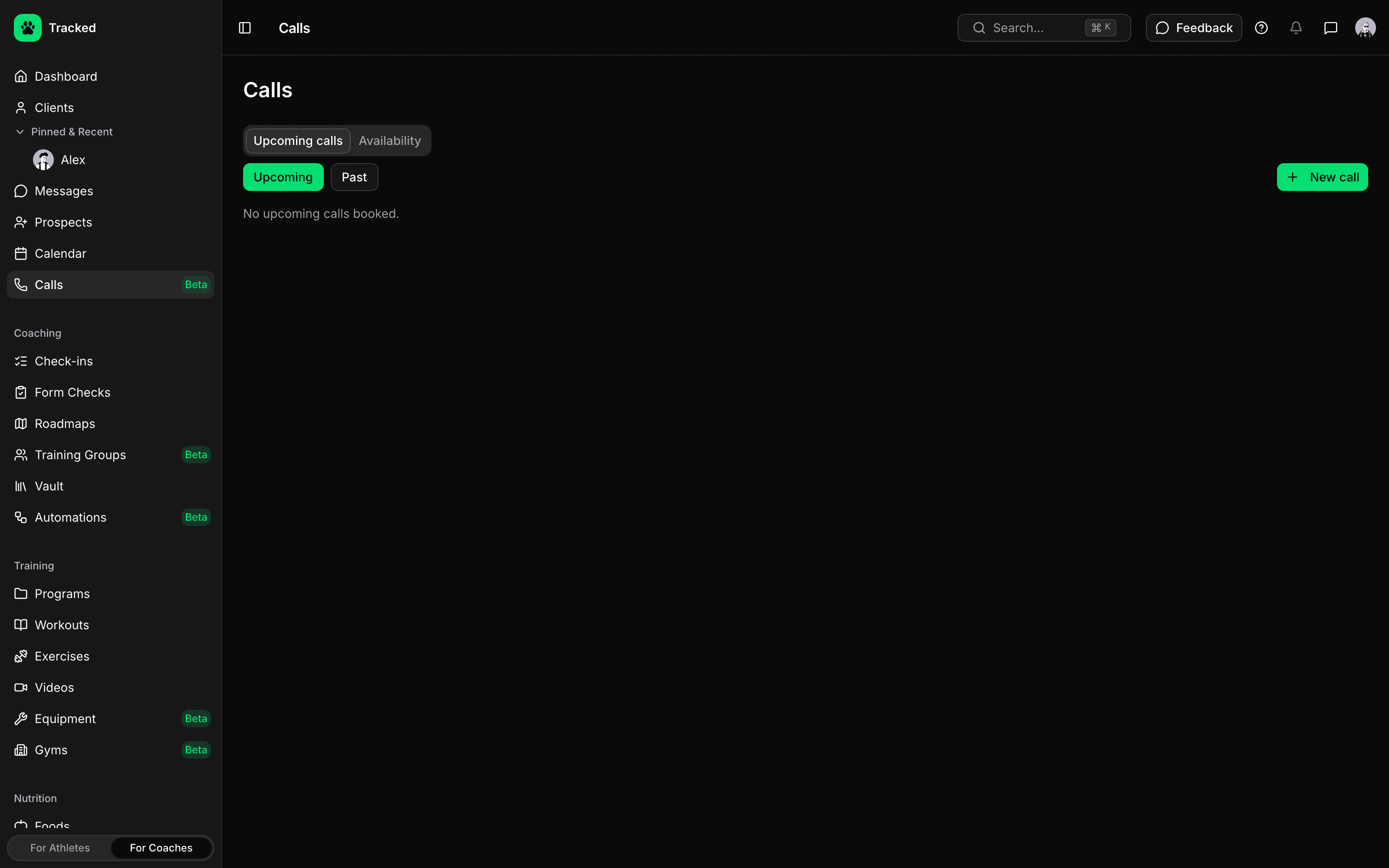
Clients Book Around Your Hours
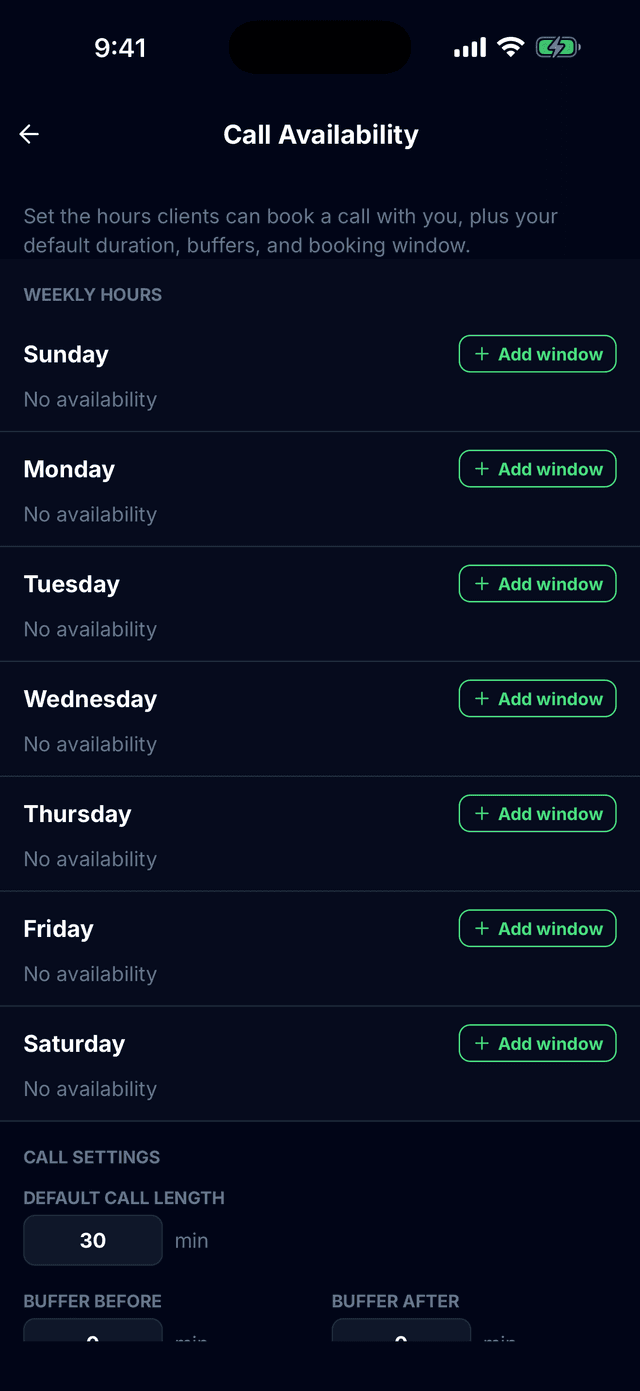
Set your weekly hours once, then clients pick an open slot from the Tracked app — no back-and-forth to find a time.
- Weekly time windows, plus date overrides to block a day or set custom hours
- Default call length, buffers before and after, minimum notice and how far ahead clients can book
- Clients see open slots in their own timezone, with your local time alongside
- Book a client yourself at any time from the dashboard or their profile in the app
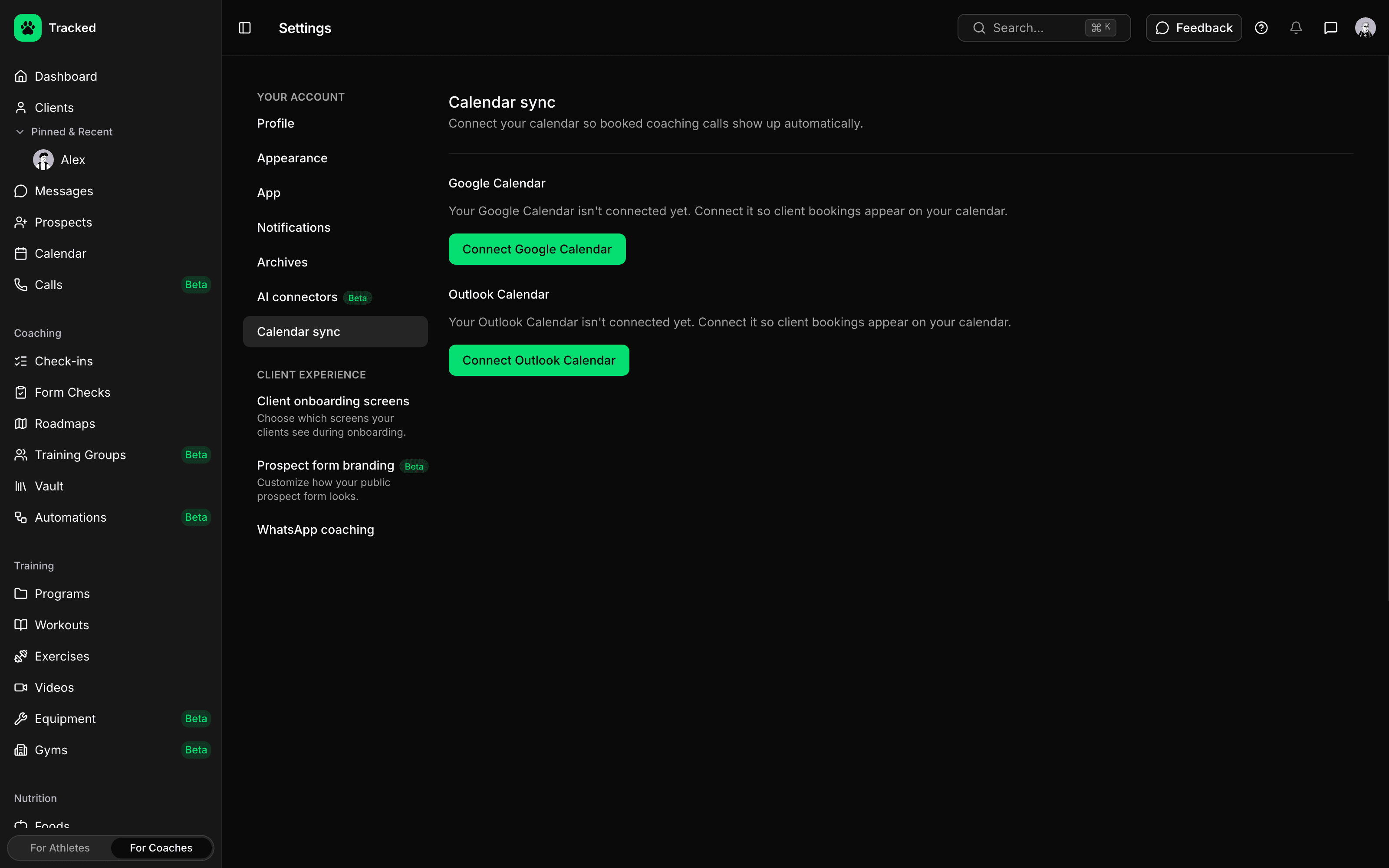
Synced With Your Calendar
Connect Google Calendar, Outlook or both. Booked calls show up on your calendar automatically, and your existing events stop clients from booking over them.
- Booked calls are added to your calendar and removed if they're cancelled
- Busy time on your calendar is hidden from the slots clients can book
- Push reminders for you and your client about an hour before each call, and again when it starts
- Clients can reschedule or cancel in the app, and you're notified when they do
Video Calls Built In
Join from the Tracked app or your dashboard — no meeting links to send. Every call gets a private one-to-one video room that opens 15 minutes before the start, with screen sharing from the dashboard.